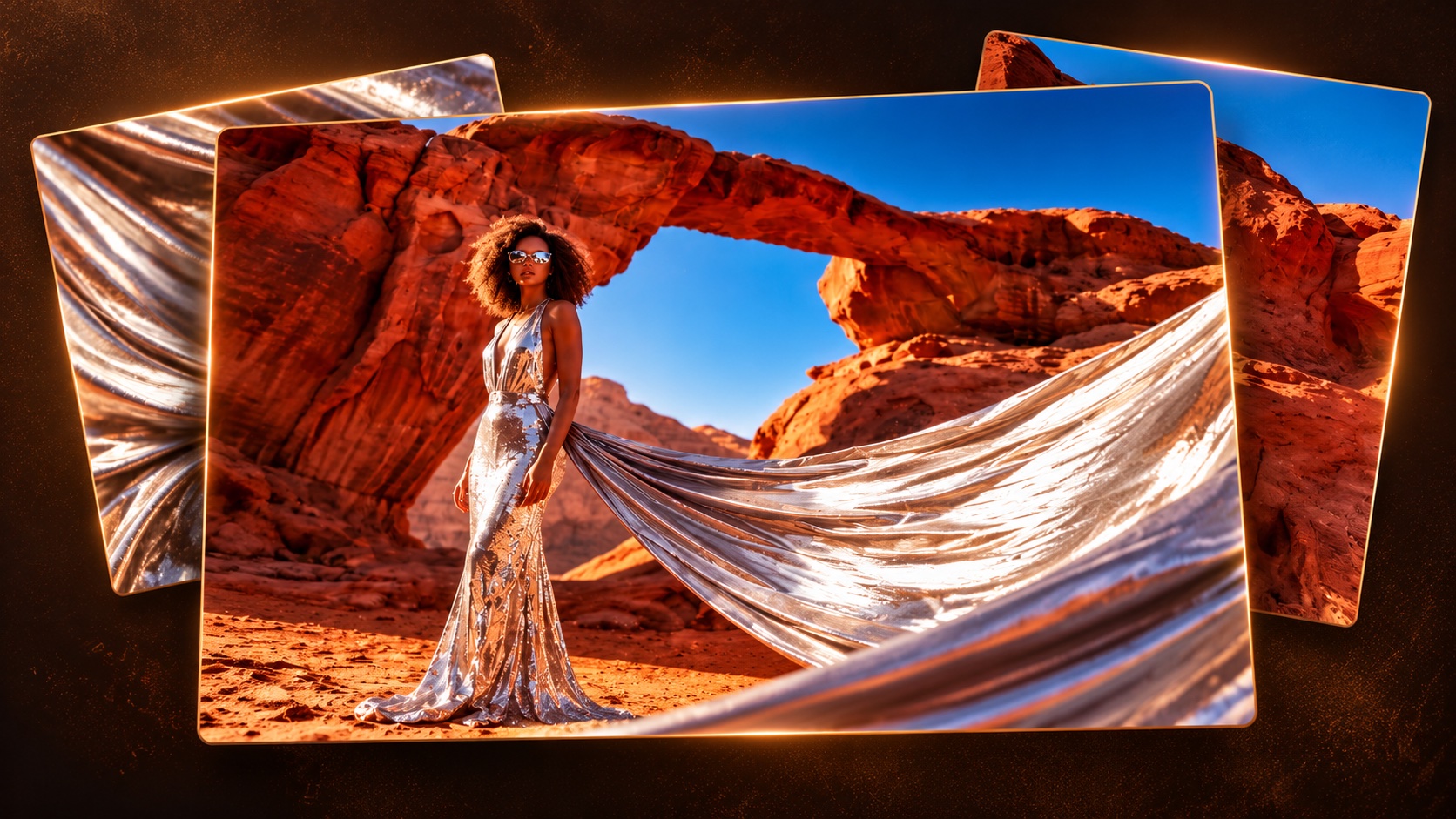
Fashion process · 38 seconds
One Conversation. One Fashion Poster.
Watch the moodboard, outfit, model, styling, setting, shot and film look develop into the finished poster.

Behind the scenes
Prompts, reference images, and the decisions behind the work.
Fashion process · 38 seconds
Watch the moodboard, outfit, model, styling, setting, shot and film look develop into the finished poster.
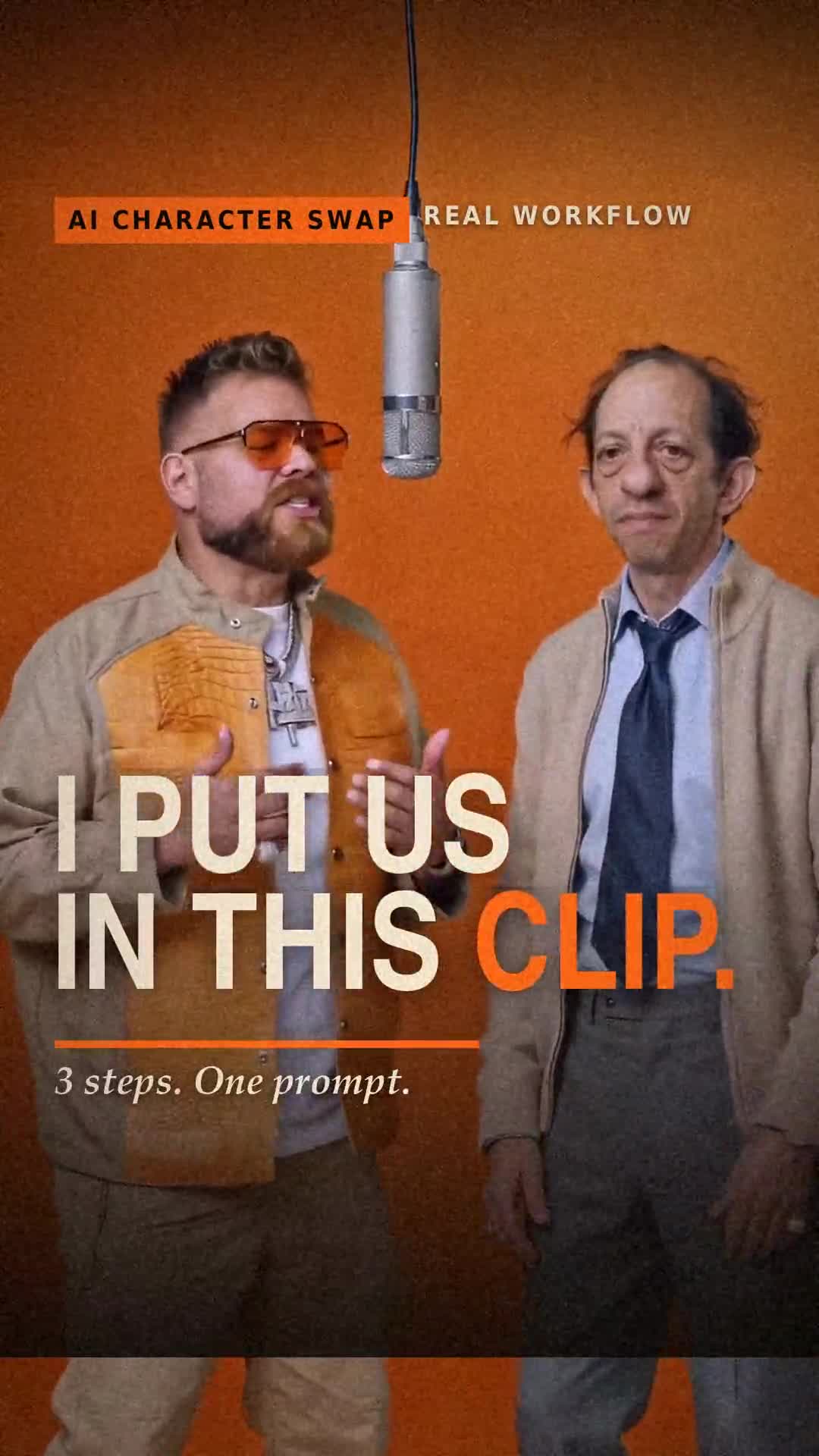
Tutorial ready · 42 seconds
The finished character-swap remix and a 42-second walkthrough, with the exact final video-edit prompt.
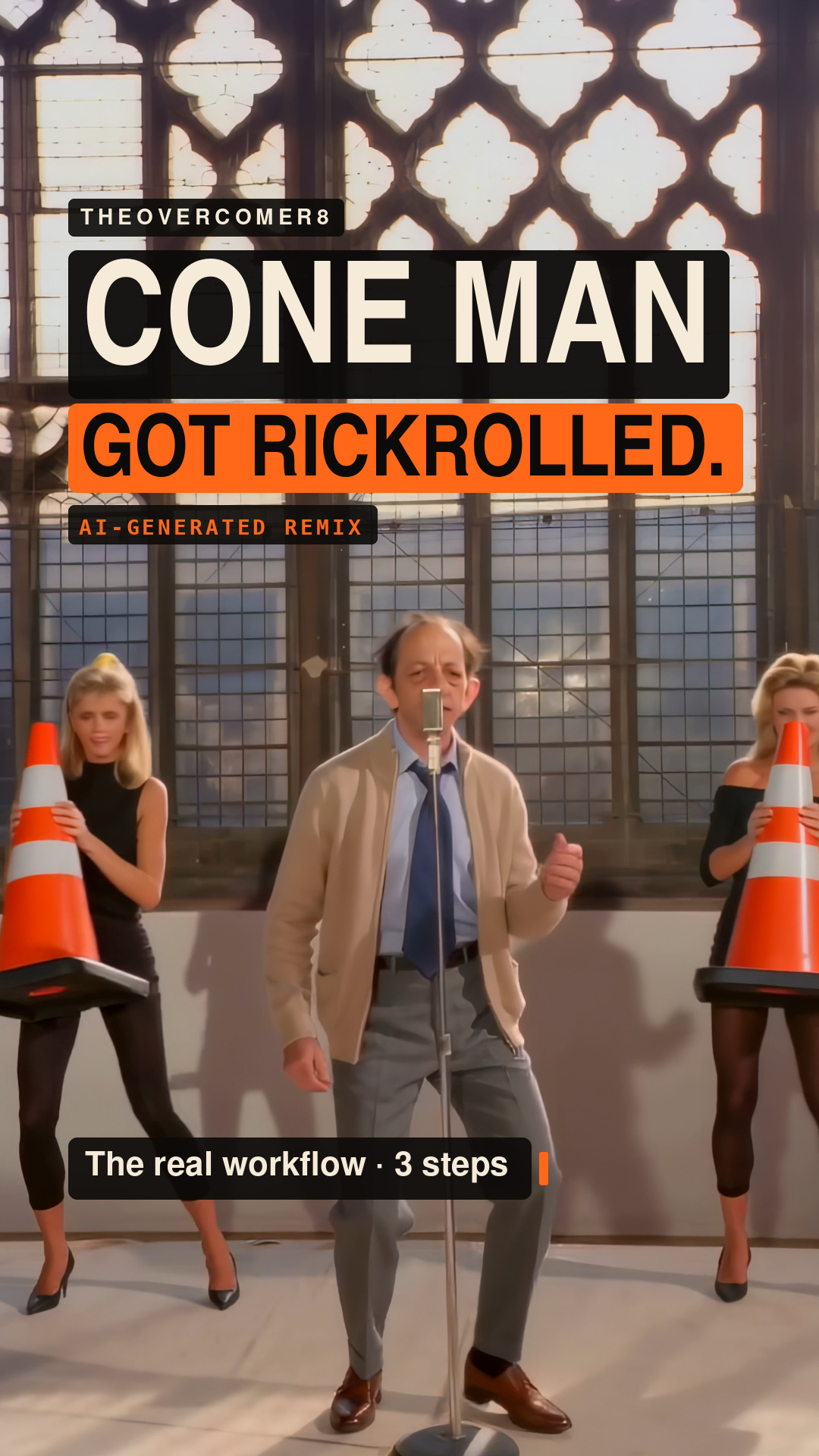
Result + 45-second tutorial ready
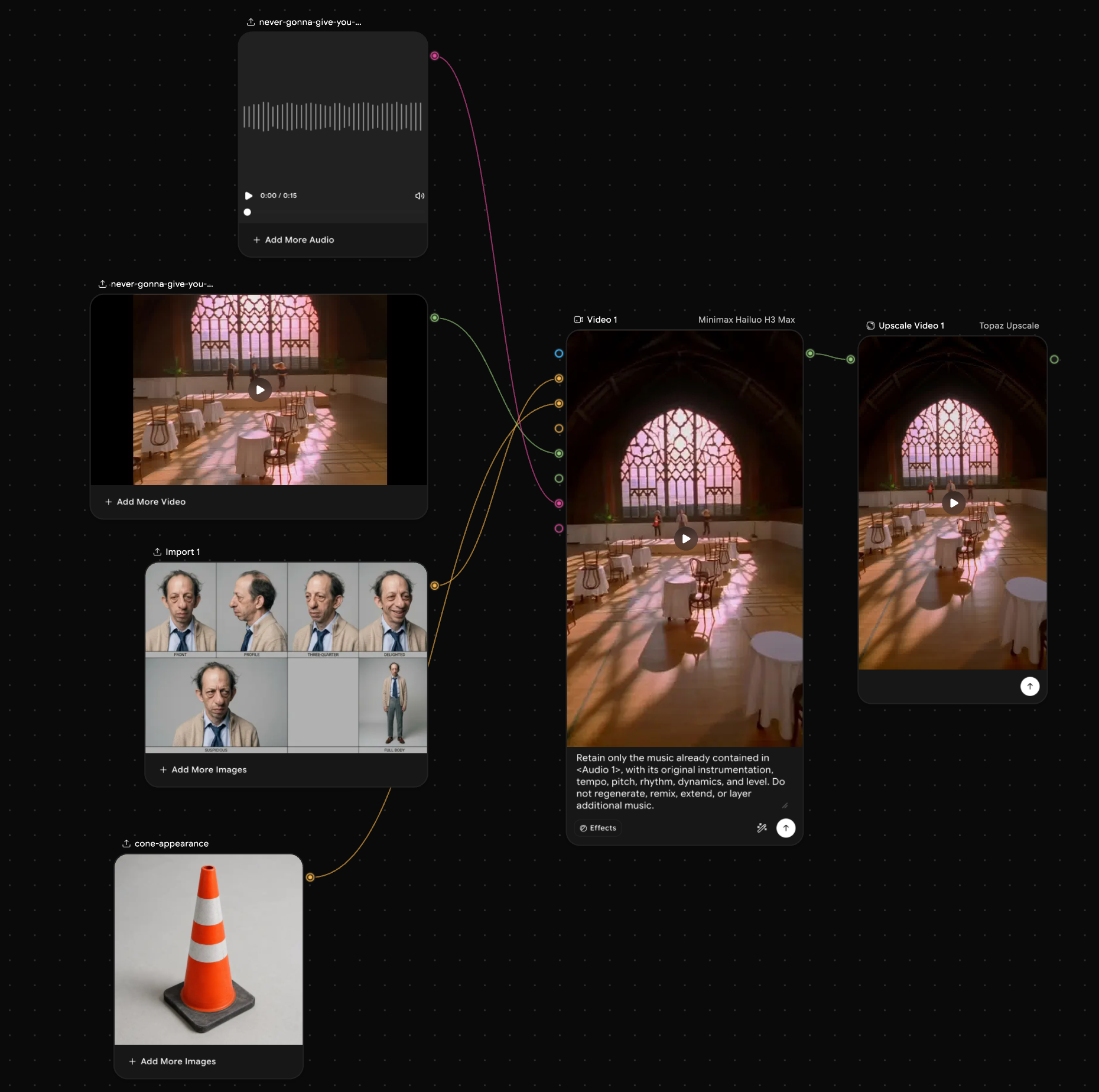
A 45-second breakdown of the four-input setup, Hailuo H3 Max, the prompt’s target and cone rules, the result review, and Topaz Upscale.
Use ImagineArt for the generation and upscale stages, then follow the shared workflow with your own footage and references.
Referral link. I may earn a commission if you purchase through it. Disclosure
For your own version, use identity images and source footage you own or have permission to use.